Case study
Kamisori
Component architecture · UI engineering · API integration · Deployment
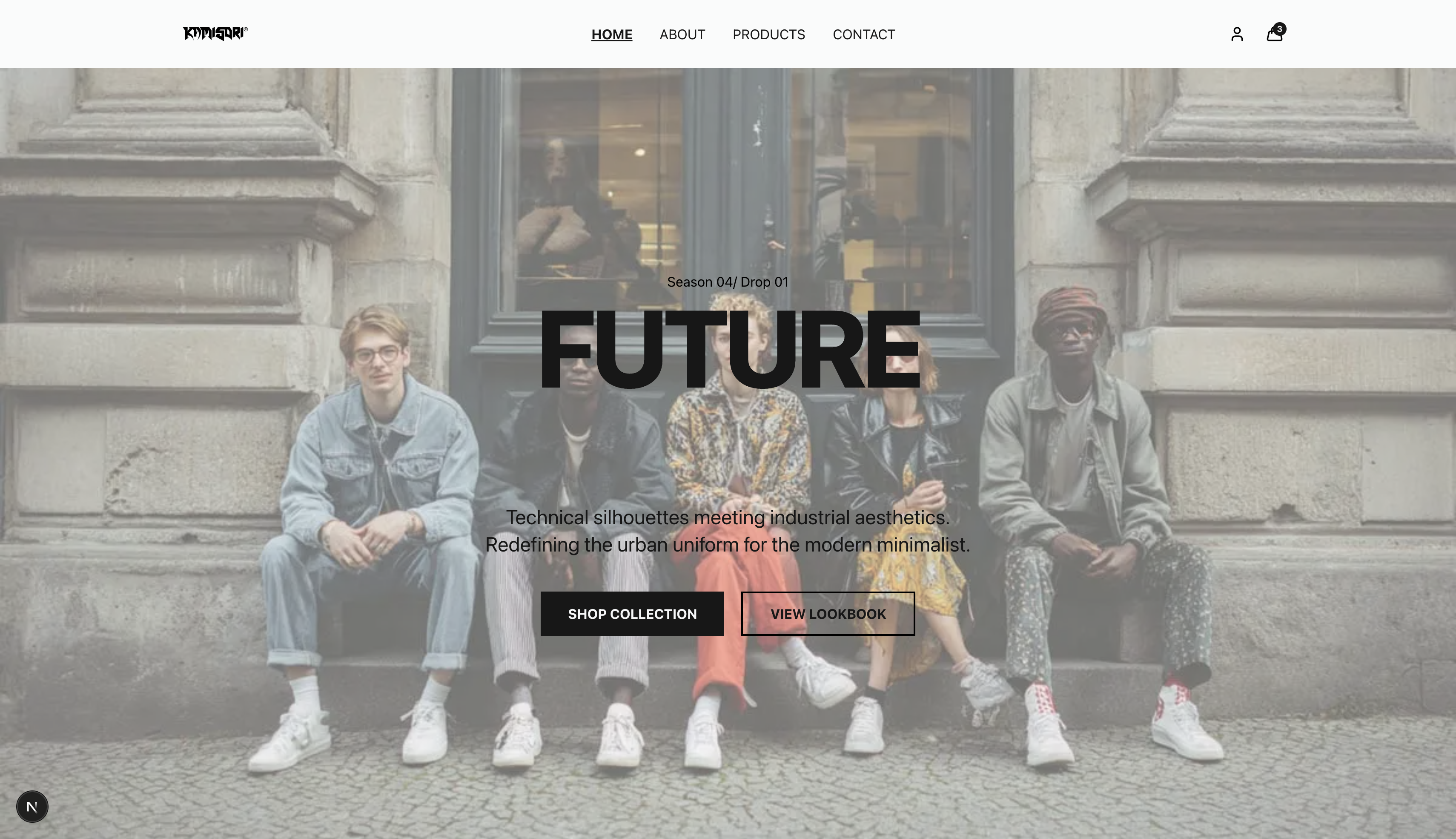
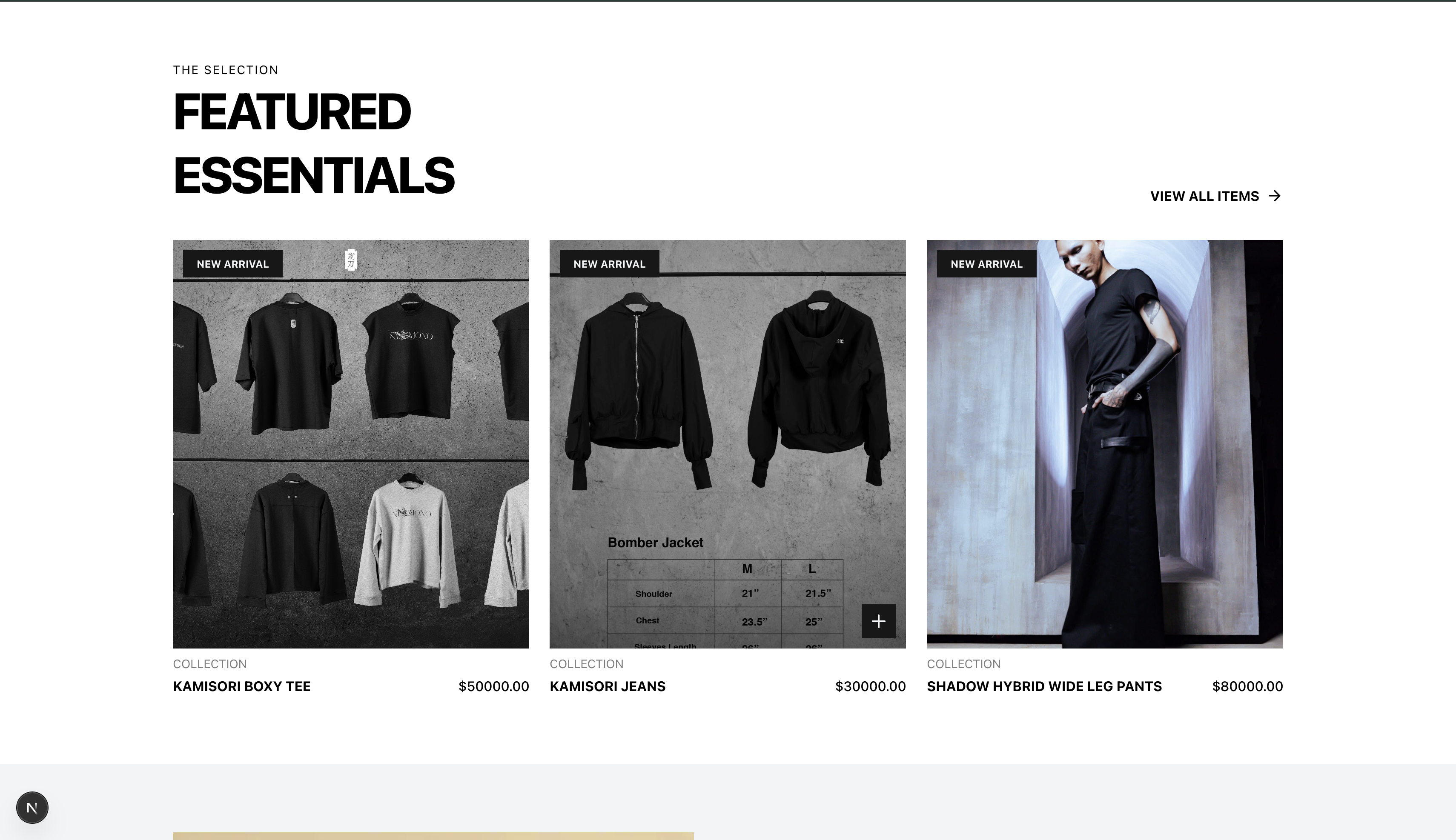
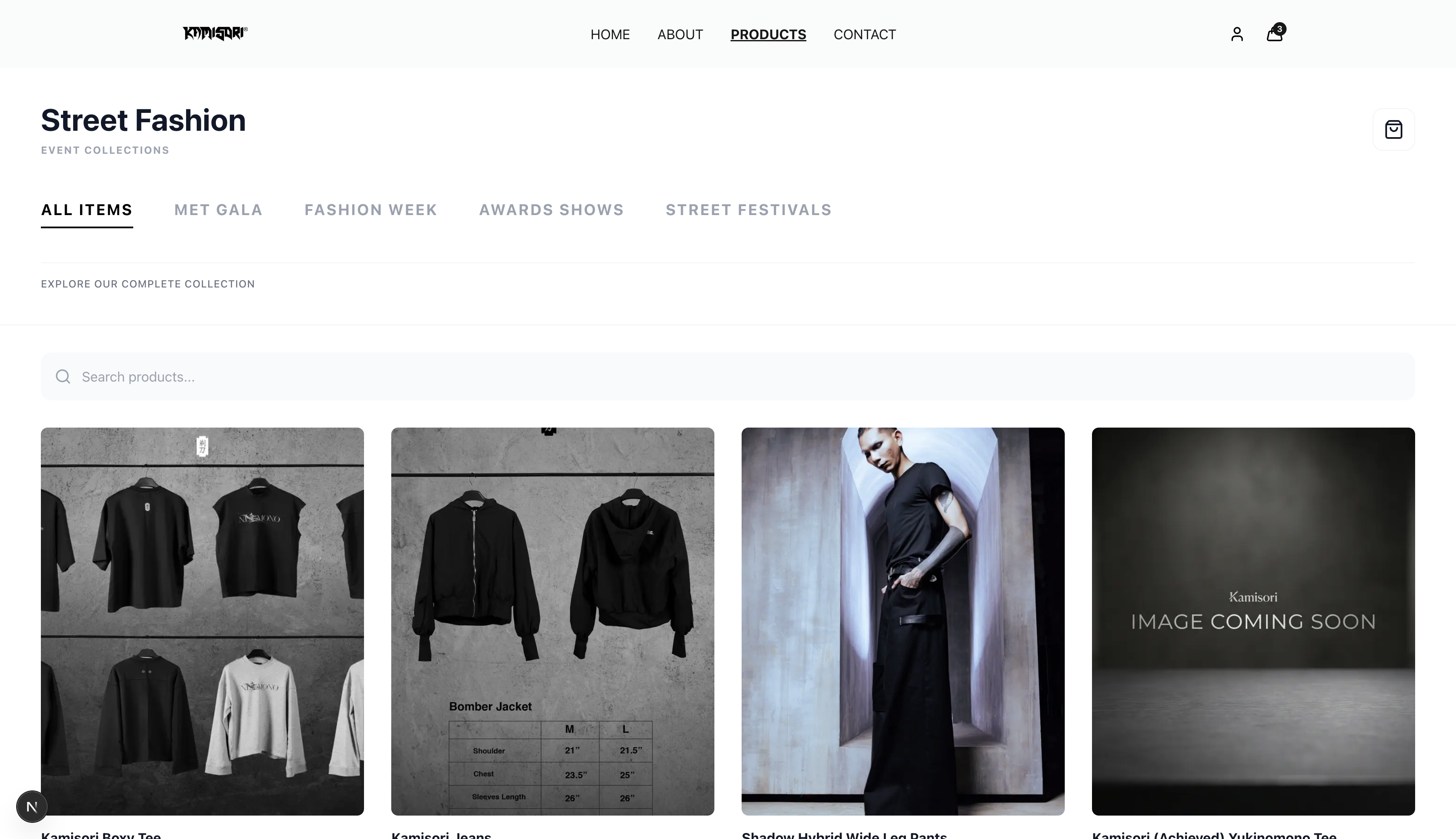
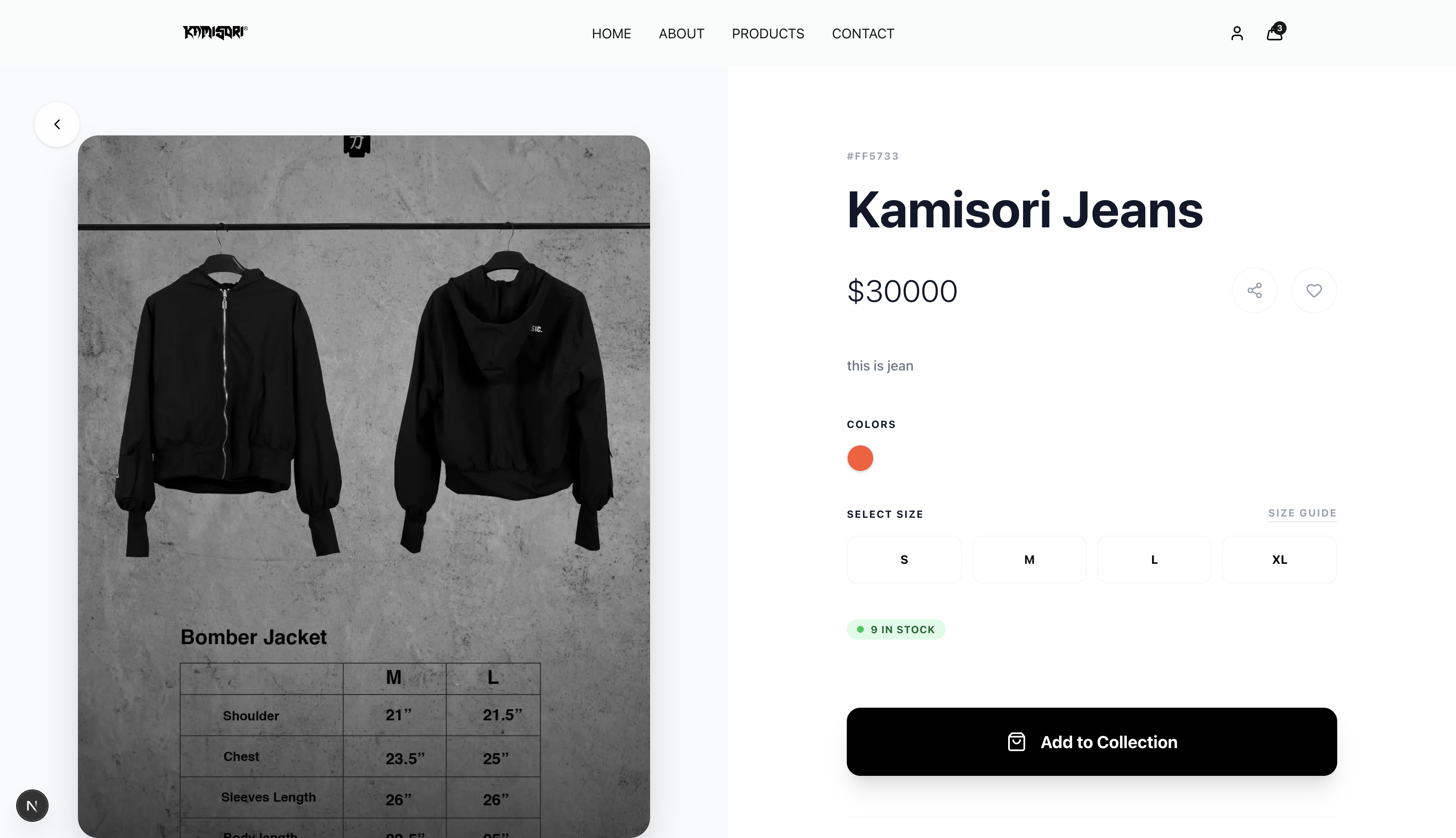
A production frontend for Kamisori — designed as a reusable UI system with responsive layouts, API integration, and a deployable production build.
System architecture
The system I built
I designed how these layers connect — interface, business rules, data, and delivery — not only the screens on top.
01
Frontend
App, pages, UI, API client
02
Shared
Types and env config
03
Backend
API, auth, services, workers
04
Data
Database and Redis
How the layers connect
Orange rectangle = my work — the parts I took responsibility for
Not highlighted = Database and Redis cache
Labeled arrows show which parts talk to each other, and how.
Delivery
My work
CI / CD
GitHub workflows that test and ship the app
My work
Docker
Images and Compose for running frontend and backend
Frontend
My work
Frontend app
The site people use
My work
UI components
Reusable buttons, cards, and layout pieces
My work
Pages / routes
The screens and URLs in the product
My work
API client
How the site talks to the backend
My work
Static assets / CDN
Images and files served quickly
Shared
My work
Shared types / DTOs
Contracts used by both frontend and backend
My work
Config / env
Environment values and constants
Backend
My work
Backend app / API
The server the frontend calls
My work
Auth / middleware
Who is allowed to do what
My work
REST / GraphQL endpoints
The public doors into the server
My work
Business services
Domain rules and product logic
My work
Background workers
Jobs that run after a request finishes
Data
Cache (Redis)
Fast short-term memory
Database
Postgres / Mongo — lasting records

Problem
Kamisori needed a production-ready frontend that could stay consistent across pages, stay fast on mobile, and integrate cleanly with backend APIs — without turning every new screen into a one-off layout.
My contribution
- Designed a reusable component architecture so shared UI patterns could be composed instead of rebuilt
- Implemented responsive, mobile-first layouts across the main product surfaces
- Integrated backend APIs with client-side routing, form handling, and loading/error states
- Added accessibility structure with semantic HTML and ARIA where interactive patterns needed it
- Shipped performance work through code-splitting, lazy loading, and tighter component boundaries
- Participated in Git-based review, environment configuration, and the Vercel production deploy
Engineering challenges
- Keeping layouts consistent as new pages were added without duplicating styles and markup
- Handling API loading, empty, and failure states so the UI stayed usable when the backend lagged
- Balancing visual polish with accessibility and keyboard-friendly interaction
- Shipping a production build with lint, type, and test checks instead of a local-only frontend
Why I made this decision
- Why a component-driven frontend?
- Shared primitives reduced UI duplication and made later pages cheaper to ship without restyling from scratch.
- Why TypeScript?
- Typed props and API responses made contract mismatches visible at build time instead of only in the browser.
- Why Vercel?
- Preview deploys and environment-specific configuration let the team review production-shaped builds before promoting them.
Delivery
- Git
- Development
- Lint & tests
- CI checks
- Vercel
- Production
Result
Live production frontend on Vercel
Reusable UI patterns across core product pages
Shipped from requirements through deployment and maintenance